 Locker

Generate Random Password With Locker
Create strong and secure passwords to keep all your accounts safe online.
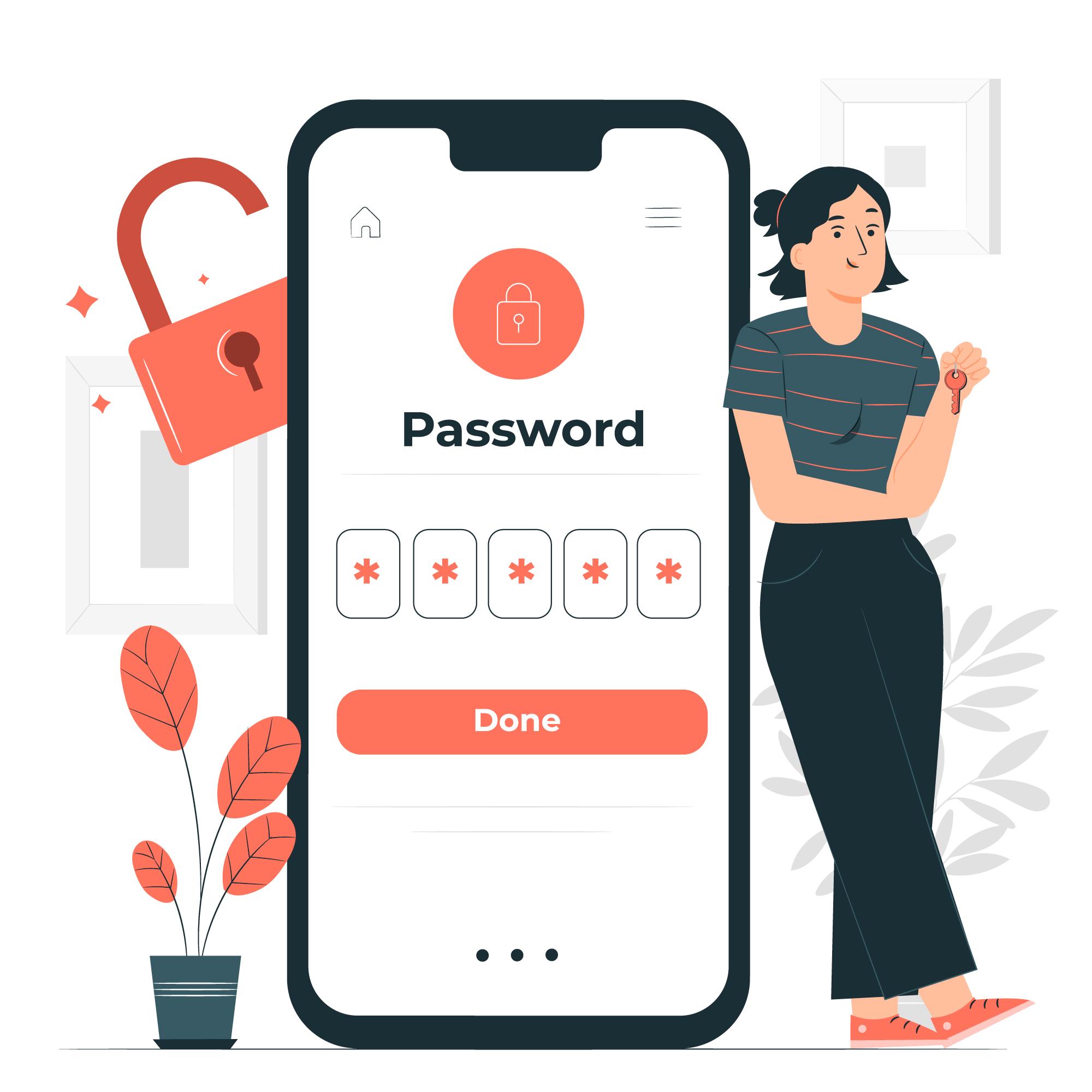
What makes your password strong?

Long
The longer a password, the more secure it is. A strong password should be at least 10 characters long.

Complex
Strong passwords use a combination of letters, numbers, cases, and symbols to form an unpredictable string of characters that doesn't resemble words or names.

Unique
A strong password should be unique to each account to reduce vulnerability in the event of a hack.
Got Questions?
Questions about this random password generator? Answers below!
What is Locker?
Locker is a secure password generator designed to help you create strong, unique passwords for all your online accounts.
Why should I use Locker?
Locker helps protect your online accounts from unauthorized access by generating strong, random passwords.
How does Locker create random passwords?
Locker uses a combination of algorithms and random number generators to produce unique sequences of characters.
Can I customize the passwords generated by Locker?
Yes, Locker allows you to customize the length, character types (uppercase, lowercase, numbers, symbols), and other options to suit your specific needs.
Is it safe to use Locker?
Yes, Locker is a secure password generator designed to protect your privacy. It does not store any of your passwords.
Does Locker store my passwords?
No, Locker does not store the passwords it generates. They are produced on-the-fly and displayed directly to you.
How often should I change my passwords?
It's recommended to change your passwords regularly, especially for important accounts. A good rule of thumb is to change them every three months.
Can I use the same password for multiple accounts?
No, you should never use the same password for multiple accounts. If one account is compromised, your other accounts could also be at risk.
What is a passphrase, and is it better than a password?
A passphrase is a longer, more memorable password that uses words instead of random characters. Passphrases can be easier to remember but may be less secure than truly random passwords.